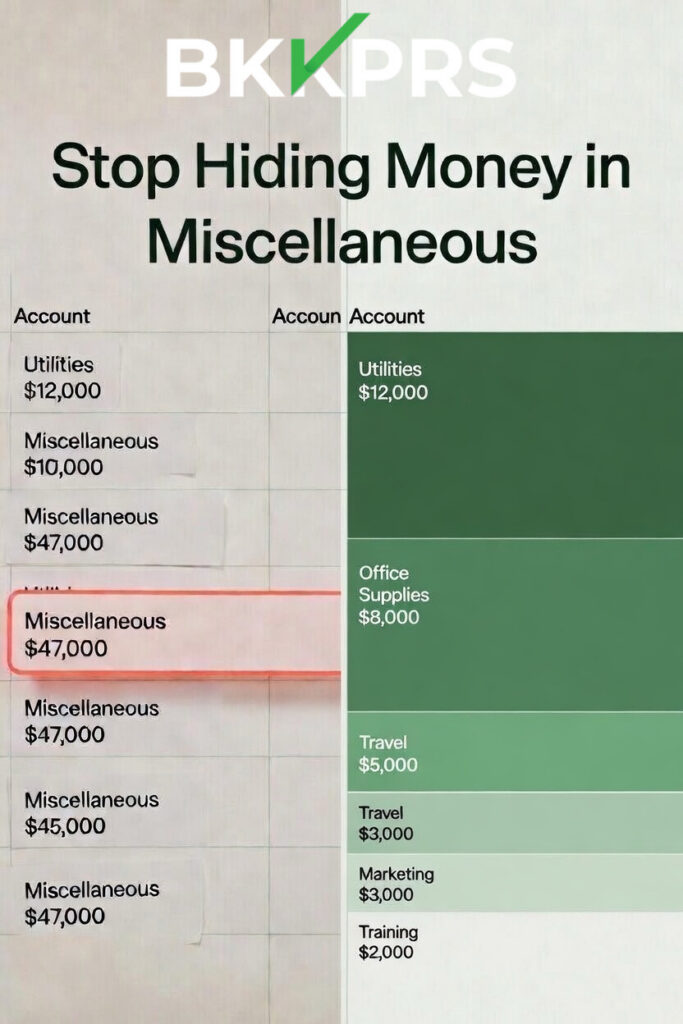
Your chart of accounts is the skeleton of your financial reporting. When it is well-structured, your P&L tells a clear story. When it is a mess, your financial statements are noise. A chart of accounts cleanup is one of the most impactful things you can do for your business this spring.
How Charts of Accounts Go Wrong
It usually starts innocently. Someone creates a new expense account because they are not sure where a transaction belongs. Then another. Then a catch-all called “Miscellaneous” or “Other Expenses” starts absorbing everything nobody wants to think about. Before long, your three biggest expense categories are Miscellaneous, Other, and Ask My Accountant.
The result is a P&L that tells you almost nothing. You cannot see where money is going. You cannot compare months or years. You cannot identify trends. And your tax preparer has to spend hours digging through the mess to figure out what is deductible.
Chart of Accounts Cleanup: Where to Start
Begin by auditing your existing chart of accounts. Print the list and go through it line by line. Look for duplicate accounts, vague accounts, and accounts that have had zero activity in the past 12 months.
Merge duplicates. If you have Office Supplies, Office Expenses, and Office Sundries, pick one and reclassify the others. Rename vague categories to something specific and descriptive. Retire inactive accounts — they just clutter your reports.
Industry-Specific Chart of Accounts Structures
A construction company needs different accounts than a dental practice. An HVAC contractor needs different tracking than a cattle ranch. Generic chart of accounts templates from QuickBooks work as a starting point, but they are not designed for your industry.
For trades and construction businesses, your chart should support job costing with separate accounts for labor, materials, subcontractors, equipment, and overhead by job type. For farm and ranch operations, you need enterprise-level tracking. For medical and dental practices, you need overhead categories that align with industry benchmarks.
Add Job and Class Tracking
If you are not using job tracking or class tracking in your accounting software, you are leaving critical data on the table. Jobs let you track profitability per project or client. Classes let you segment your business by department, location, or service line. Combined with a clean chart of accounts, they turn your financial statements from a compliance document into a management tool.
| ✅ DIY TAKEAWAY: Chart of Accounts Cleanup Checklist Go through your chart of accounts and answer these questions: 1. Are there any accounts with “Miscellaneous,” “Other,” or “General” in the name? If yes, reclassify their transactions and rename or delete them. 2. Are there duplicate accounts that track the same thing? If yes, merge them. 3. Are there accounts with zero activity in the past 12 months? If yes, make them inactive. 4. Does your chart of accounts align with your industry’s standard categories? 5. Are you using job or class tracking? If no, ask your bookkeeper to set it up. |
The Bottom Line
A chart of accounts cleanup is not the most exciting spring project. But it is the difference between financial statements that sit in a drawer and financial statements that actually drive decisions.
BKKPRS builds industry-specific charts of accounts for trades, construction, farm and ranch, and healthcare businesses from day one. Visit bkkprs.com. to see how we set up financial systems that work.
Source: Seattle Bookkeeping Service — Spring Cleaning Your Business Finances